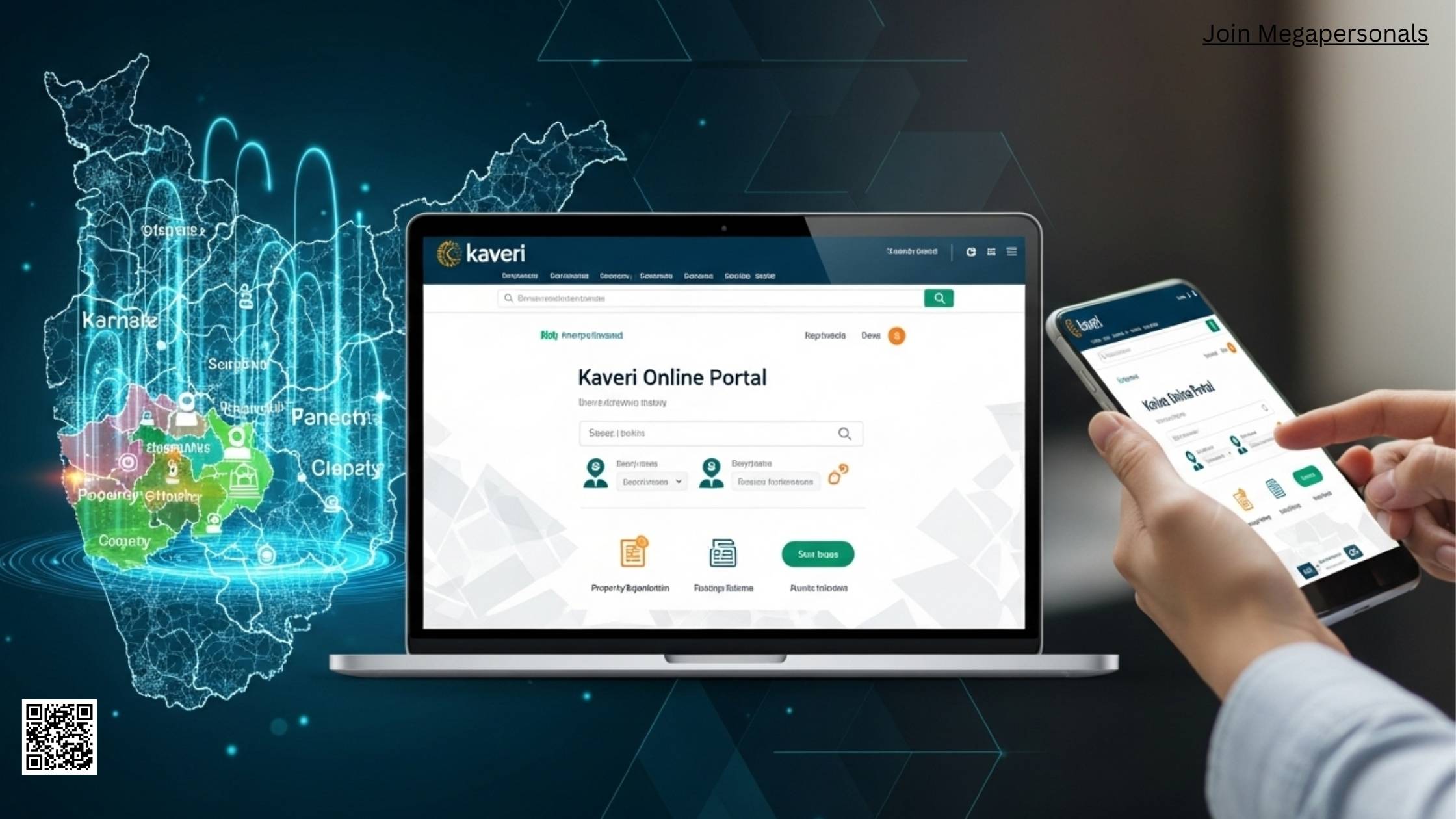
If you’re looking to manage land or property in Karnataka, you’ve probably heard of the portal called Kaveri Online Services Portal — and here I’ll walk you through exactly what it is, how it works and how you can use it with confidence.
What the Kaveri Online Services Portal Is
The Kaveri Online Services Portal is the digital platform from the Department of Stamps & Registration, Government of Karnataka that allows citizens to carry out various property‑registration tasks online. Services include registering deeds, obtaining encumbrance certificates (ECs), verifying documents and making payments digitally.
By using this system you don’t need to make so many visits to the sub‑registrar’s office — many steps can now be completed from home.
Why It Matters
If you’re buying or selling property, or just wanting to check your land records, the portal offers:
- Easier access to documents, anytime.
- A clearer record of ownership and charges (encumbrance) on a property.
- Reduced paperwork and fewer chances of manual errors.
- The ability to estimate stamp duty and registration fees before you proceed.
From a buyer’s perspective this means you can verify that a property is free from hidden claims. From a seller’s point of view it makes the process smoother. And lawyers or banks can also use the portal for due‑diligence.
Who Should Use It
You should use the portal if you are:
- A home‑buyer or real‑estate investor in Karnataka.
- A property owner wanting to check or update your land records.
- A developer, legal advisor or bank reviewing ownership and encumbrance.
- Someone simply wanting to estimate the duties or book a slot for registration.
Key Services Offered
Property Registration
You can initiate deed registration (sale deed, mortgage, lease, power of attorney and so on) online. The steps involve entering document details, uploading required files, booking an appointment at the sub‑registrar’s office and making payment.
Encumbrance Certificate (EC)
An EC shows the history of registered transactions on a property. Via the portal you enter your property details, select the time period, pay the fee and download the certificate.
Document Verification & Certified Copies
You can view or order certified copies of registered documents, verify e‑stamps, and check legal ownership details via the portal’s verification tools.
Fee Estimation & Guideline Value
The portal provides calculators to estimate stamp duty and registration charges for various types of property transactions based on value, location, document type and more. It also shows the guideline value of property in different districts.
Appointment Booking
After your online submission, you can book a time slot at the relevant sub‑registrar’s office for execution of the deed. This reduces waiting time and ensures you know when to appear with original documents.
Get details about Vega Movies
How to Use the Portal Step‑by‑Step
Here’s a breakdown of how you would navigate the portal in typical cases.
Step 1 – Registration of Account
- Visit the official portal and click “Register”.
- Provide your personal details (name, mobile number, email, address, etc.).
- Verify via OTP on mobile and email.
- Set a username and password.
Once registered you will have access to the citizen services.
Step 2 – Logging In & Dashboard
- Log in with your credentials.
- From the dashboard, choose the service you need: “Document Registration”, “Encumbrance Certificate”, “Certified Copy”, etc.
- Select the appropriate option and fill in relevant details.
Step 3 – Starting the Application
For example, if you’re registering a sale deed:
- In “Document Registration” you will enter nature of transaction, number of parties, page count, property details, and so on.
- Fill in property location (district, taluk, village), property type (residential, commercial, agriculture), survey number, etc.
- Provide party and witness details (name, ID proof, address).
Step 4 – Upload Supporting Documents
You’ll need to upload scanned copies of identity proof, address proof, previous sale deed, NOC (if required) and other supporting documents. Some portals also require e‑signing the document.
Step 5 – Payment & Booking Appointment
- Once details are submitted, pay the stamp duty, registration fee or applicable charges using net banking, debit/credit card or UPI.
- After payment, you can schedule your slot at the sub‑registrar’s office — date and time will be assigned, and you’ll receive confirmation.
Step 6 – Attend the Appointment
On the scheduled date:
- Appear at the office with all original documents plus uploaded copies.
- Be ready for verification of parties and witnesses.
- Once the deed is executed, you’ll get the registered document or access to download it.
Step 7 – Download Documents
Post‑registration you can download certified copies, ECs or other documents from your account. For ECs, you select the duration (years), pay the fee and receive a PDF that’s digitally signed.
Table: Services vs Typical Fees & Timeframes
| Service | Typical Fee* | Typical Time to Complete | Notes |
| Encumbrance Certificate | Fee varies by years (e.g. Rs 35 for first year then Rs 10) | 1‑3 days for recent record | Older records may take longer |
| Sale Deed Registration | Stamp duty + registration charges (varies by value/location) | Appointment scheduling + office visit | Must upload docs and attend in person |
| Certified Copy | Flat fee + per‑page charge | Download once processed | Requires login and payment |
| Guideline Value Estimation | Free to guest users | Instant | Useful for planning |
*Fees are indicative and may be revised by the state government.
Important Things to Know & Common Issues
Browser & Device Compatibility
Make sure you use a supported web browser (Chrome, Firefox, Edge) and avoid multiple tabs while submitting. Some parts of the portal may have limitations on mobile or old browsers.
Document Uploads & File Sizes
Scanned files must be clear and match specified size/format requirements. If your PDF is too big or image resolution too high, uploads may fail or delay processing.
OTP & Authentication
During registration and certain services you’ll receive OTPs via mobile and email. Make sure you enter these within the validity period (often 10 minutes).
Slot Availability
When booking your slot at the sub‑registrar’s office, popular locations fill fast. It helps to book early and keep your paperwork ready ahead of time.
Payment Failures or Delays
If your payment doesn’t go through, check transaction history and whether the amount is debited. Sometimes a failed payment may require retry or contacting the helpdesk.
Data Accuracy & Verification
Your uploaded details must match the originals exactly. Mistakes in names, survey numbers, property type or parties’ details can cause rejections or delays. Always double‑check.
Older Records & Delays
If you’re dealing with very old property records (prior to digitalisation), the portal may show longer processing times. In such cases you may need to visit the office or wait for batch processing.
Real‑Life Example
Imagine Rajiv wants to buy a flat in Bengaluru. Before he signs a sale agreement he uses the portal to:
- Log into his Kaveri account and check the guideline value of the property in the relevant locality.
- Apply for an encumbrance certificate for the last 15 years for the flat’s survey number to confirm there are no hidden charges.
- Estimate his stamp duty and registration fee using the online calculator.
When everything checks out, his lawyer uploads the draft sale deed, Rajiv pays the registration fees, books a slot and the final registration happens without needing multiple visits.
Benefits for Buyers, Sellers and Legal Professionals
- For buyers: Access to history of ownership and encumbrances, so you can make informed decisions.
- For sellers: Streamlined process, less paperwork and easier scheduling.
- For legal professionals and banks: Quick verification, access to certified copies and reduced risk of fraud.
Upcoming & Additional Features
The portal continues to evolve. Some of the features to watch:
- Expansion of online registration so that both buyer and seller may not need to appear physically in some cases.
- Increased integration with other systems like land‑records portals, revenue databases and e‑stamp services.
- Mobile apps or fully mobile‑friendly versions to allow document uploads and tracking from a smartphone.
Best Practices for Smooth Experience
- Before you begin, gather all relevant documents (ID proofs, past deeds, property survey details, etc.).
- Use a stable internet connection and upload clear scans (correct orientation, size).
- Register on the portal well ahead of your transaction date so you are ready.
- Double‑check names, survey numbers, witnesses, and document types — small mistakes can cause big delays.
- Save the receipt of payment and download the final certificate/PDF as soon as it is available.
- If you face any error or hang‑up, contact the portal help‑desk or the sub‑registrar’s office; keep screenshots for evidence.
Conclusion
Using the Kaveri Online Services Portal gives you a transparent and efficient way to handle property and land‑related transactions in Karnataka. By following the steps, preparing ahead and knowing the common pitfalls, you can complete registrations, obtain certificates and verify records with less stress and fewer trips. Whether you’re buying your first home or managing multiple investments, the portal is a key tool in your property‑management toolkit.
Movie Rules You Should Never Break
Frequently Asked Questions
How can I reset my Kaveri Online account password if I forget it
You can reset your password by visiting the login page and clicking on the forgot password option. You will need to verify your registered mobile number or email through OTP and then set a new password. Make sure to choose a strong password to keep your account secure.
Can I register property jointly with multiple owners using the portal
Yes, the portal allows registration of property with multiple owners. During the document submission process, you can add details of all co-owners along with their identity proofs and signatures. The system will process the deed with all parties included.
Is there a way to track the status of my application online
The portal provides an option to track the status of your registration, EC application, or certified copy request. After logging in, navigate to your dashboard and check the status section where updates like pending, approved, or rejected will be displayed.
Are there specific documents required for non-resident Indians to use the portal
Non-resident Indians (NRIs) must provide additional documents such as a valid passport, overseas address proof, and power of attorney if they are authorizing someone in India to handle the registration. These documents must be uploaded along with the standard property and ID proofs.
Can I book a sub-registrar appointment outside my district of property
Yes, the portal allows you to select the sub-registrar office based on the location of the property being registered. However, you cannot choose a completely unrelated district; the appointment must correspond to the property’s official jurisdiction.